Social Media Images
We encourage you to use these FREE graphics on your social media pages!
Simply click any of the images below to begin downloading. If clicking the images does not work, you can try whichever of the following applies to you:
• To save these images on a Windows PC: Right click on the image and click “Save Image As.”
• To save on a Mac: Control+click on the image and choose “Save Image As,” OR click and drag the image to your desktop.
• To save on a Smartphone: Take a screenshot OR press down and hold on the image and choose “Save” when the menu appears.
NOTE: make sure to link these images to https://BestofCeres.com so your voters know where to go!
'Vote for Us" Logo
Use this logo on your company website, or in print or digital advertising!
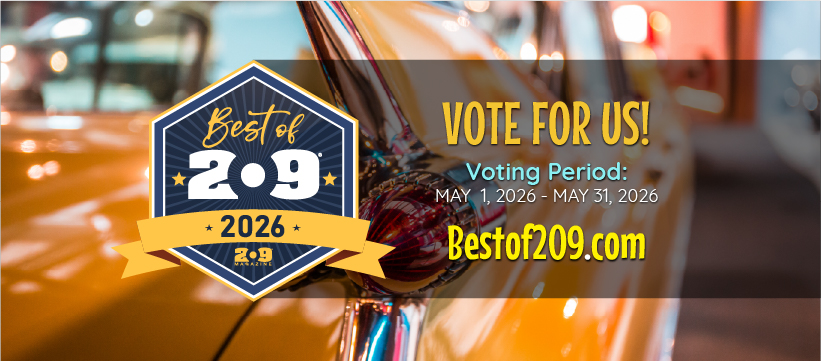
Facebook Cover Image
Use this logo as the cover image on your Facebook page!
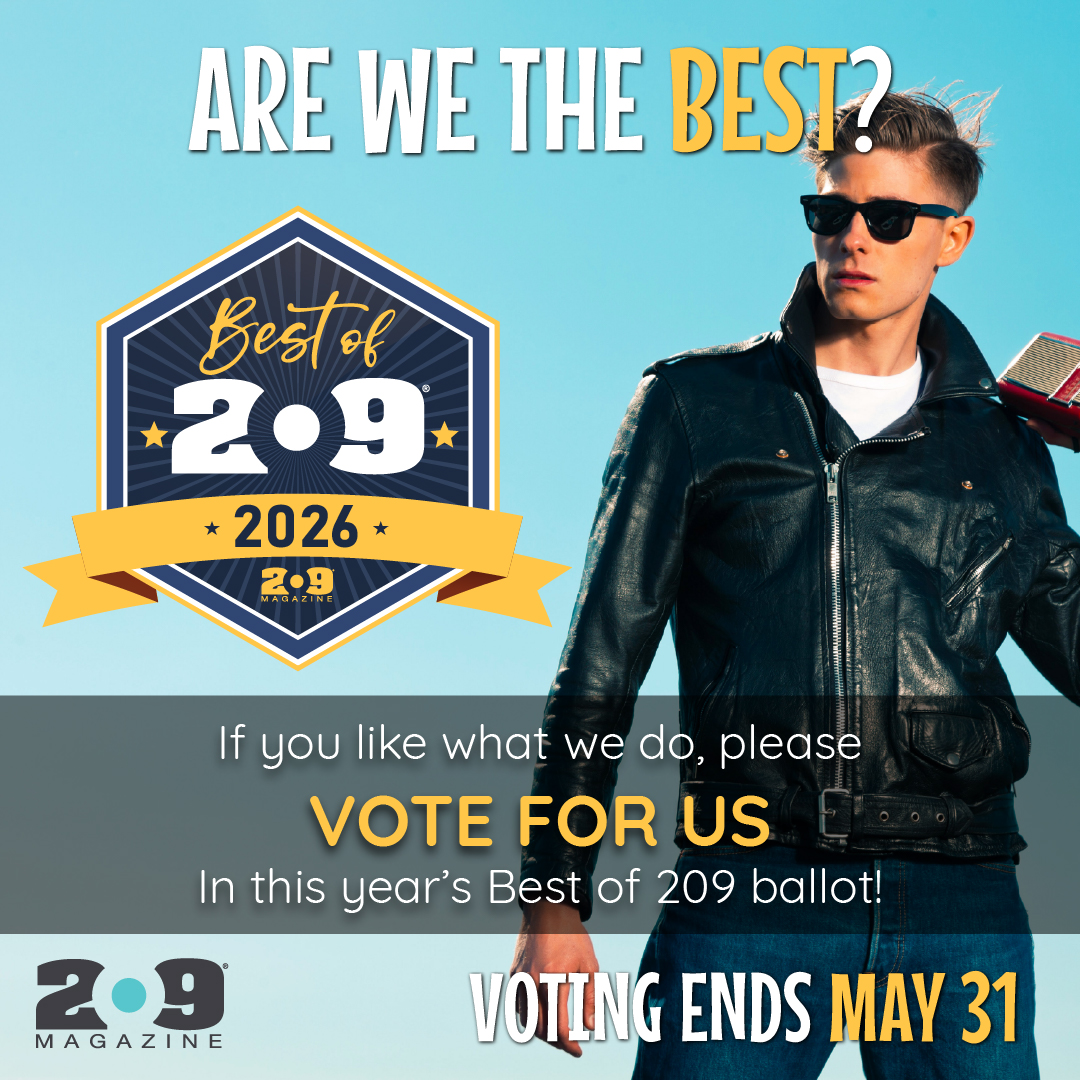
Instagram Story
Use this image as an Instagram story to buld excitement in your fan base!
Facebook Posts
Use this logo on your company website, or in print or digital advertising!
Instagram Post
Paste this image into your Instagram posts to encourage your audience to vote!
An excellent advertising opportunity!
As a nominee in the Best of 209, you are in a position to reach thousands of local residents during our biggest regional event of the year!
By sponsoring a group or category in this year's ballot, your ad will appear at the top of your chosen categories, linked directly to your company's website or dedicated listing page on the ballot.